Courses in Simulations Labs are delivered through training events.
This article walks you through creating a training event.
Before You Start
Before creating a training event:
Make sure you understand the Training Content Structure
Review the Training Module Onboarding Checklist if you’re setting up training for the first time
Creating a Training Event
From the Simulations Labs Dashboard, click Training Events in the sidebar.
Click Create New Event.
You will be redirected to the training event creation page.
On the Create New Event page, fill in the training details including the name, duration
Access:
- Public: the training will be accessible from the participant area
- Private: Only those with the training link can enroll.
- Unlisted: Visible only to you (for testing or draft purposes).
Enroll Status:
- Pending: the training is not open for enrollments yet.
- Opened: the training is open for enrollments
- Closed: the enrollment in the training has closed
- Sold Out: the training is sold out
Type:
- Self Learning:
self learning trainings show up in the self learning section, as shown in the screenshot. When members enroll in the training, they get automatically approved in the training and can begin once the training duration has started.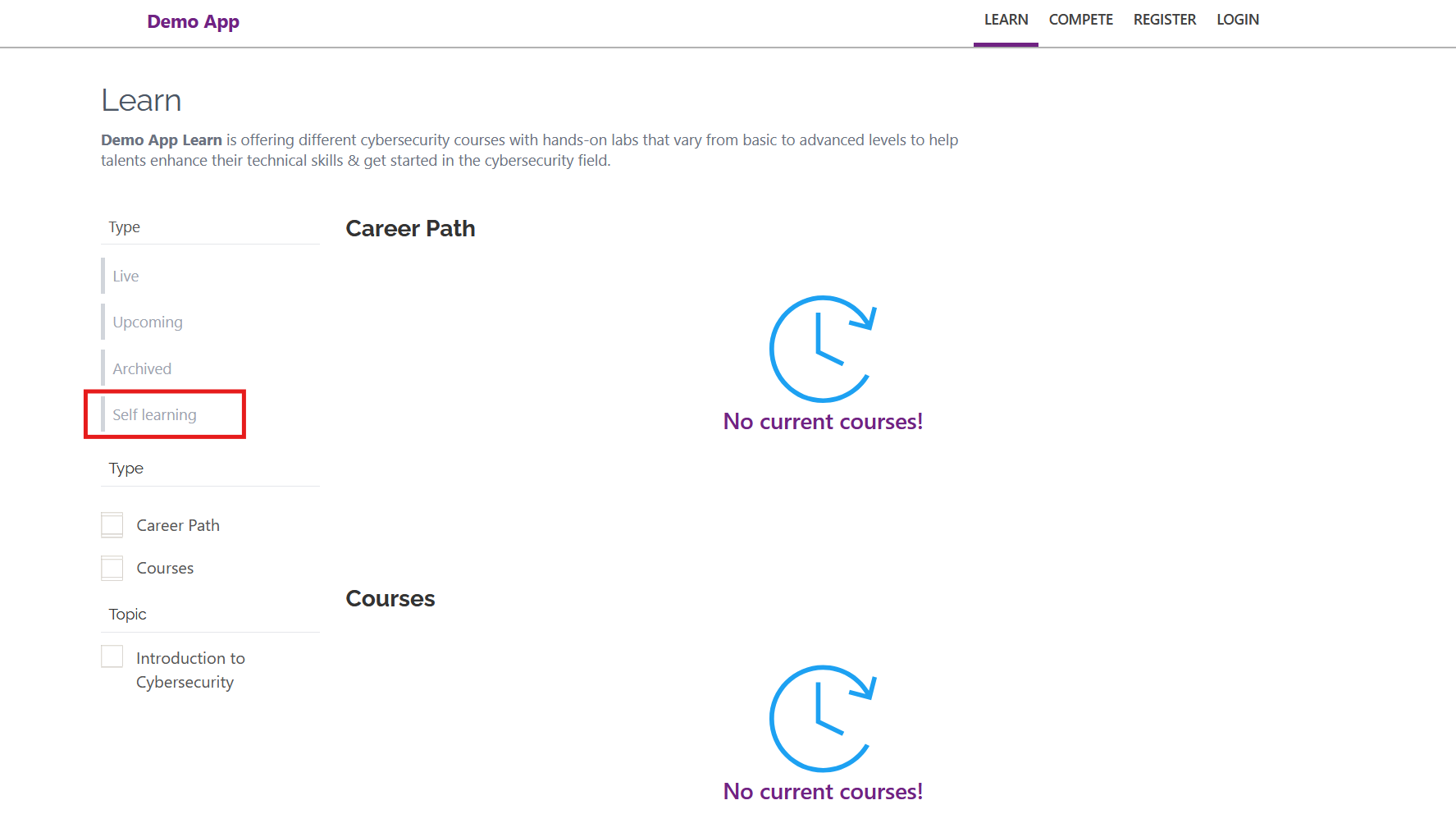
- Classrooms:
Classroom trainings show in the upcoming, live and archived section, as shown in the screenshot, depending on the start and end date of the training. When members enroll in a classroom training, the manager needs to approve them first, they they can begin once the training duration has started. 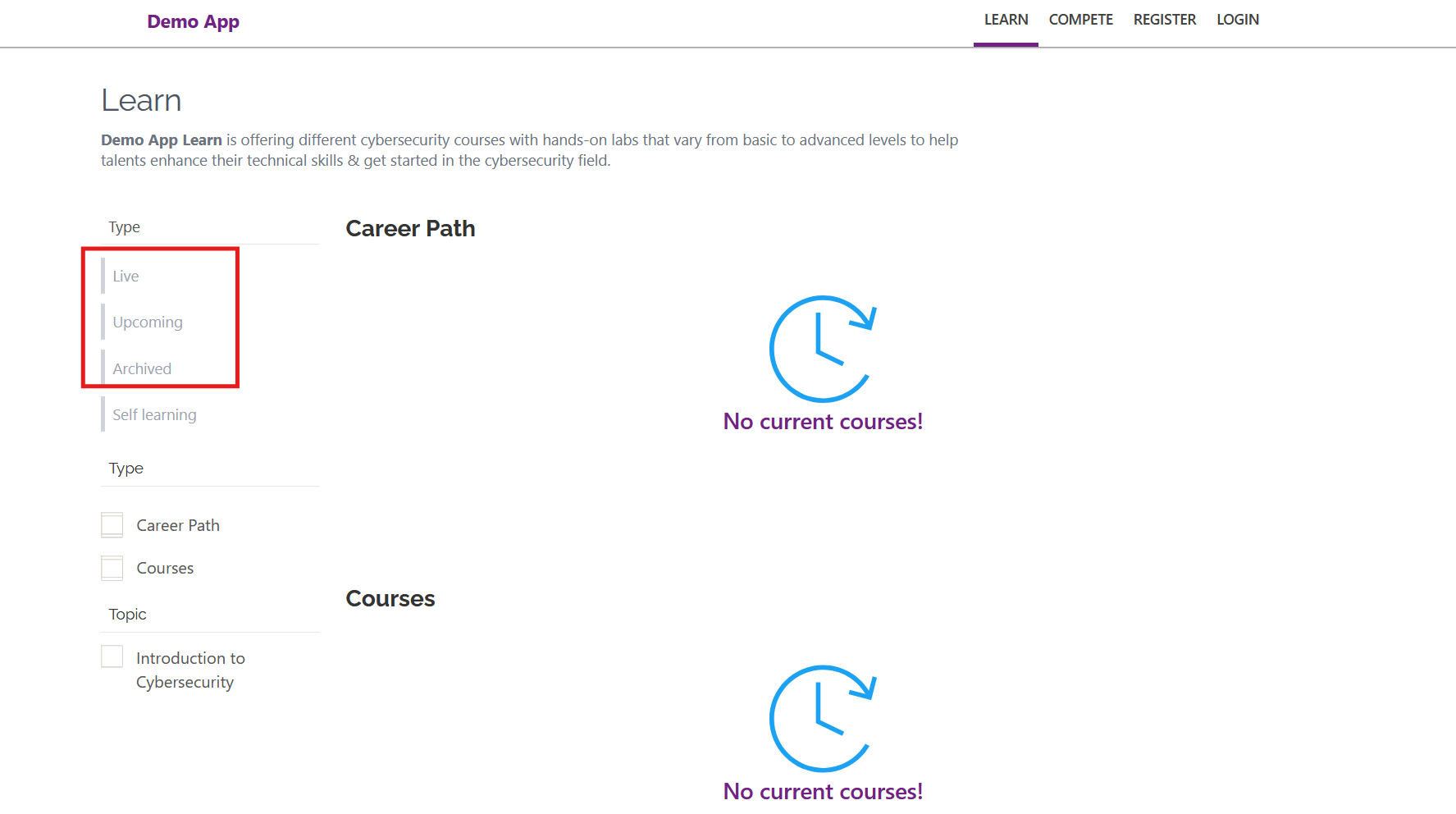
fill the rest of the training details.
Click Save.
Sharing the Training Event
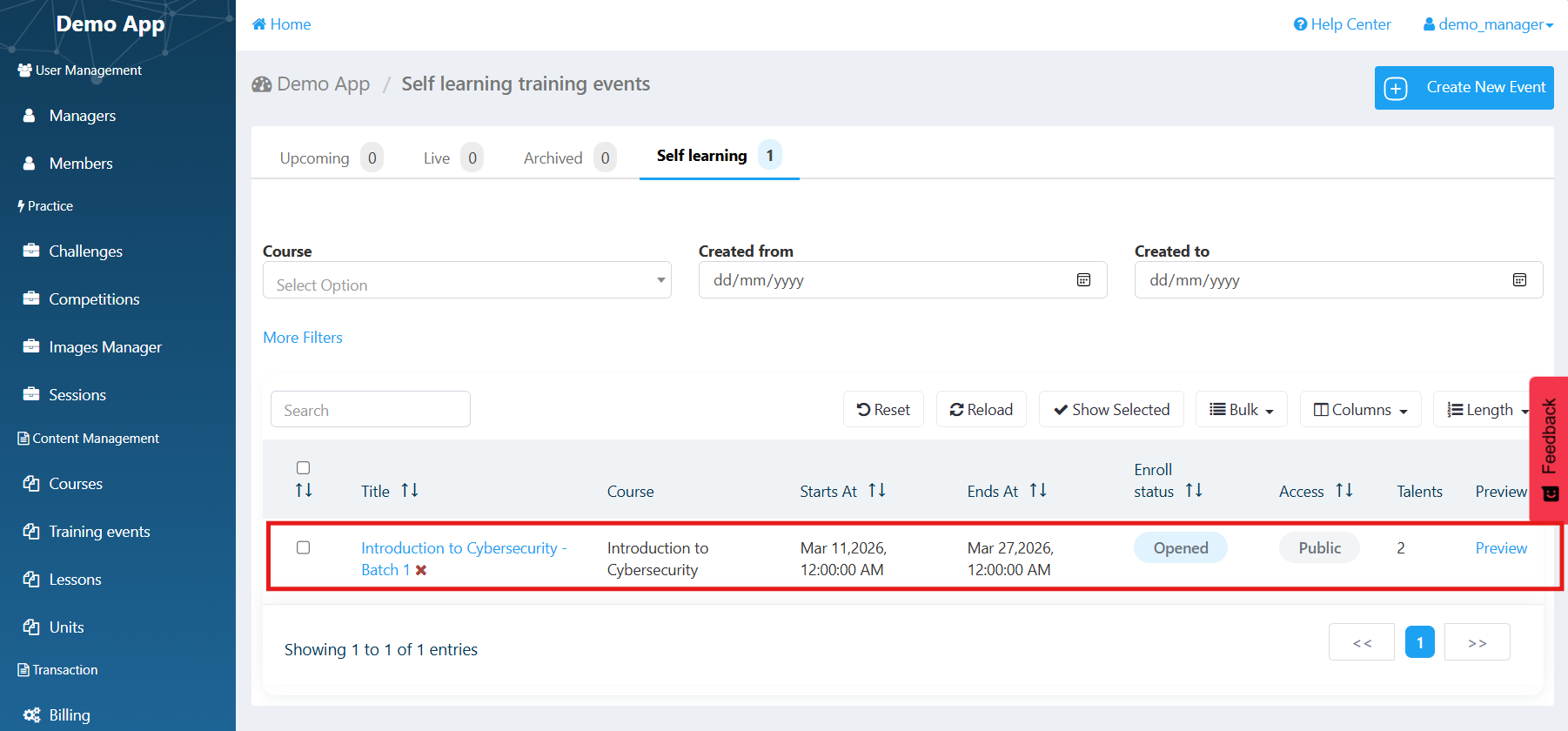
After creating your competition, go to the Preview tab to review the training event details. Ensure that everything looks accurate and consistent with your objectives.
Was this article helpful?
That’s Great!
Thank you for your feedback
Sorry! We couldn't be helpful
Thank you for your feedback
Feedback sent
We appreciate your effort and will try to fix the article